A little introductory Read
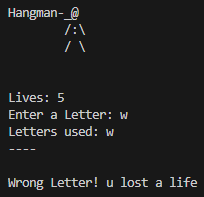
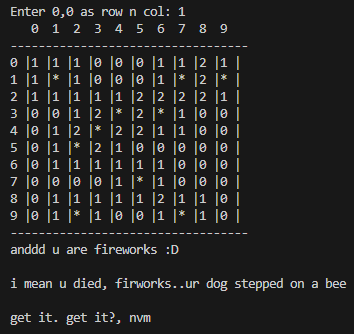
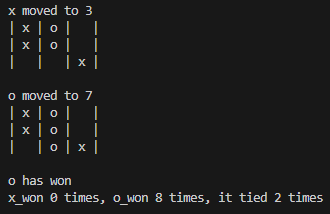
I initially intended to share some command-line version projects of classic board
games like Hangman, Minesweeper, and Tic-Tac-Toe. However, upon reflection, I
realized that these projects might not be as engaging for you to explore here.
Therefore, I've decided against sharing them in this space. If you're interested,
you can find all of these projects on my GitHub page
 . Thank you!
1.
Checkers
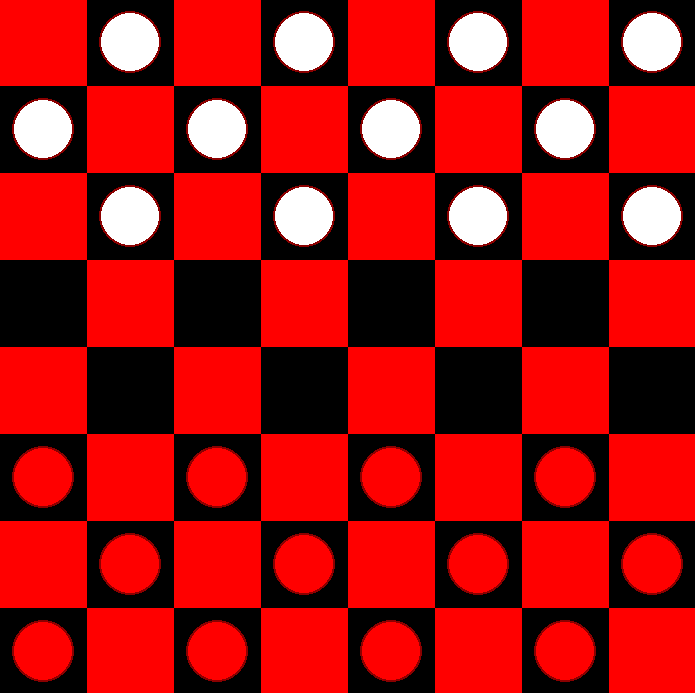
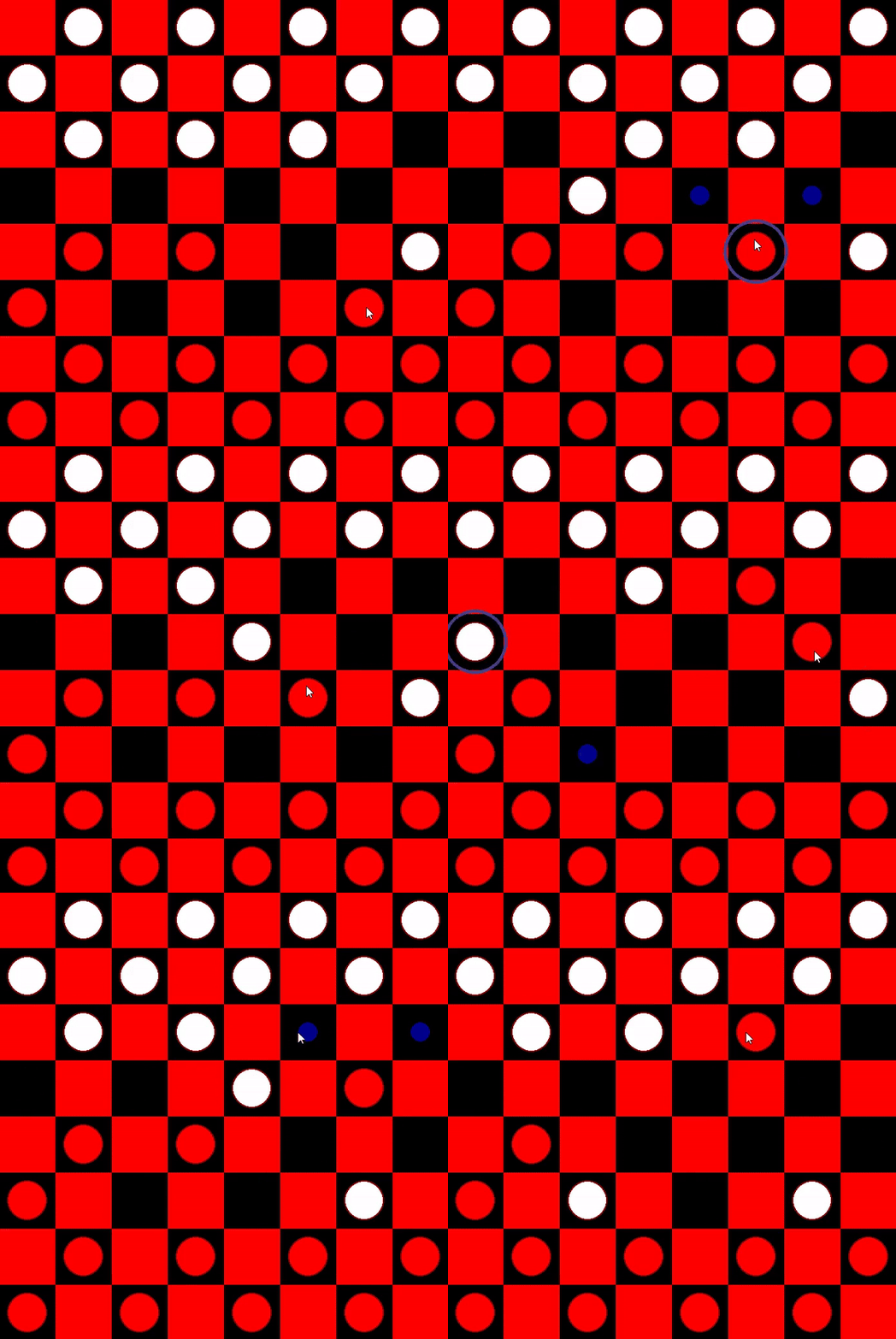
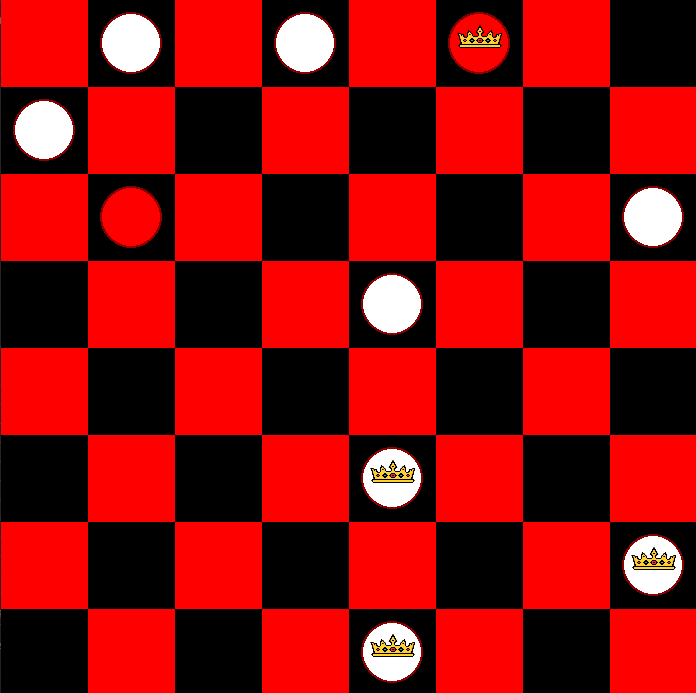
This is the only project I'm sharing here that I've built with the help of tutorials.
It was a significant leap in complexity compared to the projects I had built so far.
Checkers was also the first project I built with a graphical user interface. The project's
structure heavily emphasized Object-Oriented Programming, which inspired me to adopt
the same approach for my own projects. This was the second project where I implemented
the minimax algorithm. Although I built this project through a tutorial, I dedicated a
substantial amount of time to it. Initially, it took me seven full days to complete, and
I spent additional days rebuilding it on my own. Overall, I gave it everything I had,
probably even more, to thoroughly understand how each line of code worked!
Technologies Used:

2. To do
List
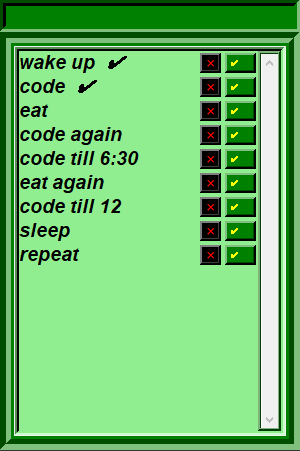
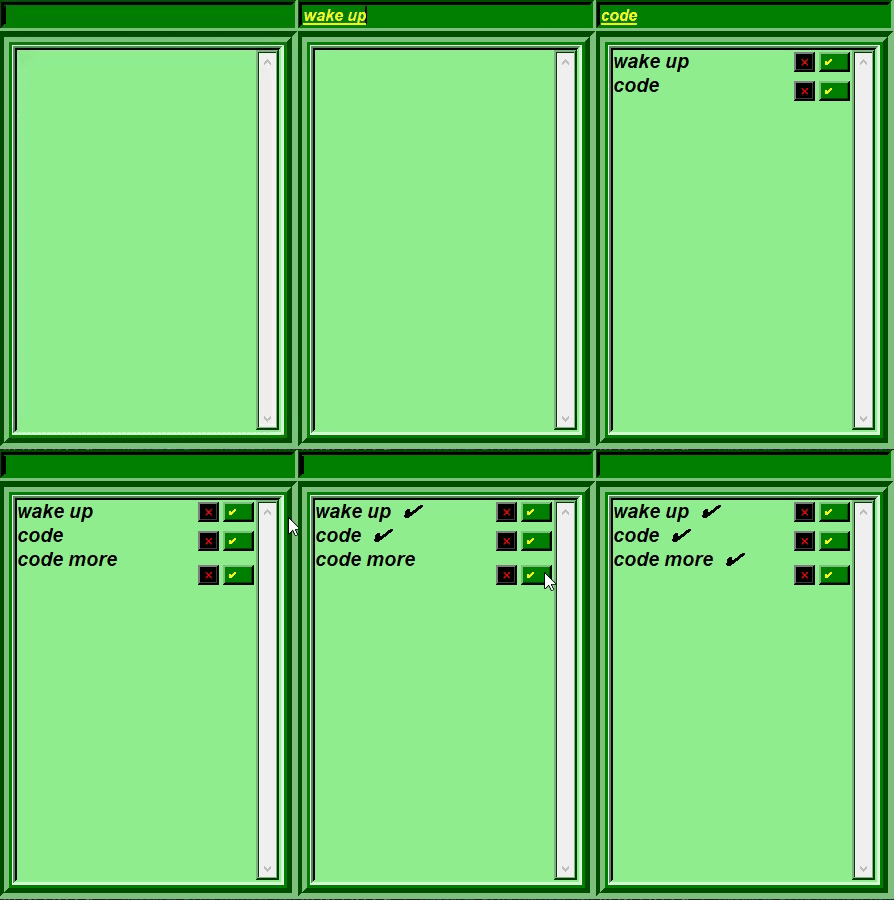
This was the first project I built on my own that had a graphical user
interface, and it also introduced me to Tkinter. I discovered that
building a project on your own is considerably a lot more desirable
than creating one by watching tutorials. Overall, I enjoyed making
something on my own. It was difficult at first, and I felt extremely
confused, having only built things through tutorials before. However,
as soon as I committed to it, things became more familiar and I
generally felt at ease.
Technologies Used:

3. Weather
App
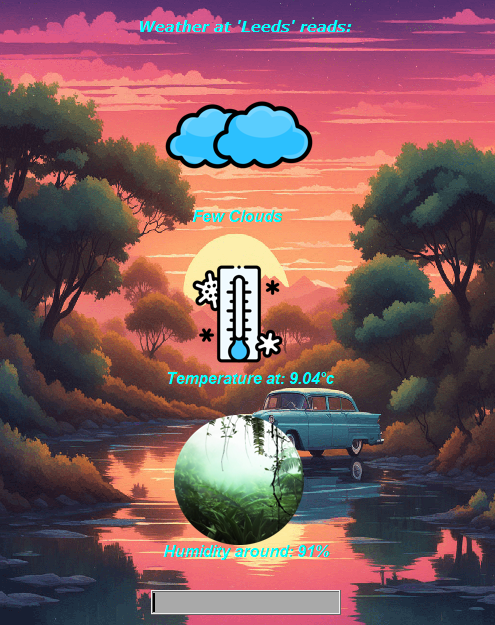
I built this project straight after building the to-do-list. This is the most fun
I've had building something up until now. I was introduced to how APIs work
through this project. I had a vague idea of what they were before, but I
expected their implementation in code to be a lot more complex, but it wasn't
too bad at least for a weather API. I also worked with another API that allows
my weather app to extract the user's location according to their IP address. I
spent a lot of time trying to pick and choose the exact right icons for every
weather condition, as well as choosing the background images and GIFs,
specifically finding the right GIFs and then making sure they were transparent
before I could use them took quite some time and effort. Overall it wasn't a
bad experience.

Note:
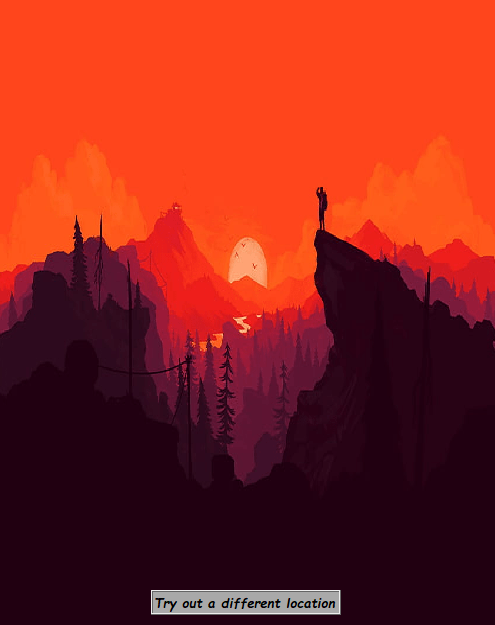
That the gif for the Weather App here has gone through some editing;
hence, it's not the most clear representation of how the actual program
runs. The GUI for this app looks considerably better when run directly.
Technologies
Used: